
 Sign In

The Most Actionable Bidding & Planning Data Available
ConstructionJournal is now ConstructConnect, the construction industry's most-trusted preconstruction technology partner.
Power Your Preconstruction Process
Actionable bidding and planning data at your fingertips. See how!

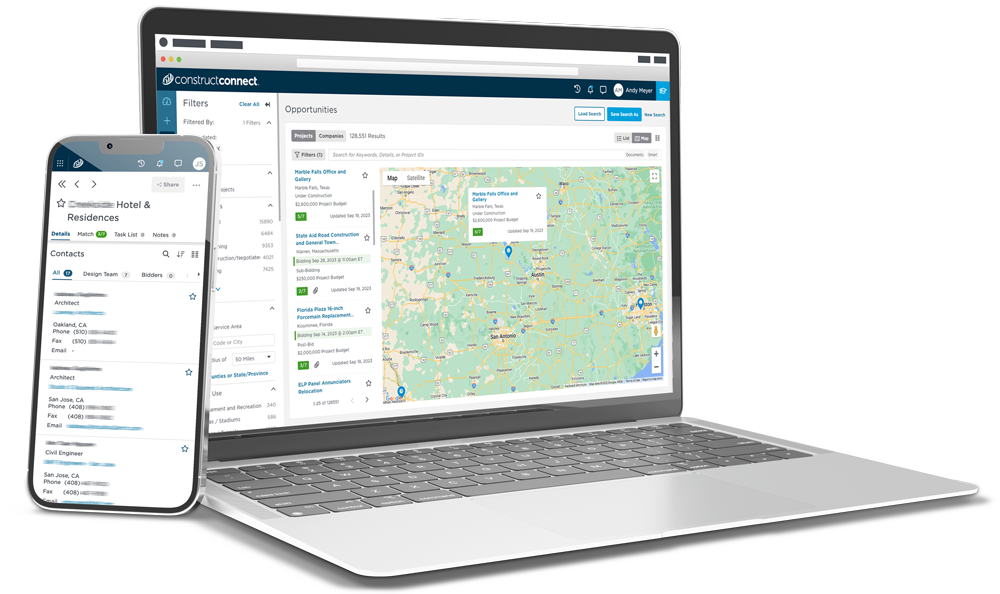
Contractors Find More Success Using Our Commercial Construction Data
"ConstructConnect has become my #1 tool for helping me find projects and managing documents when communicating with potential subcontractors and vendors."
Brent Garlington
Project Manager
Trend Construction
"ConstructConnect gives us a peek into opportunities in the markets we serve. Points of connection are identified, along with contact information to help cut down on research time. It can also be shared with colleagues with whom we work to help them build their opportunities as well."
Terry Shanley
Business Development Manager
Deacon Construction
"After two weeks I bid on a hotel project and was awarded it. It’s a $1.5 million dollar job. I start in two weeks. Amazing!"
Scott Sypniewski
Chief Executive Officer
SSLLC Plumbing & HVAC